Six views, one dataset
Day, week, month, technician columns, dispatch grid and map. Change something in one and it is changed in all of them, live over WebSocket.
Dispatch & scheduling
One surface for the whole day — drag work between technicians, watch the trucks move, and see the conflicts before the customer calls about them.
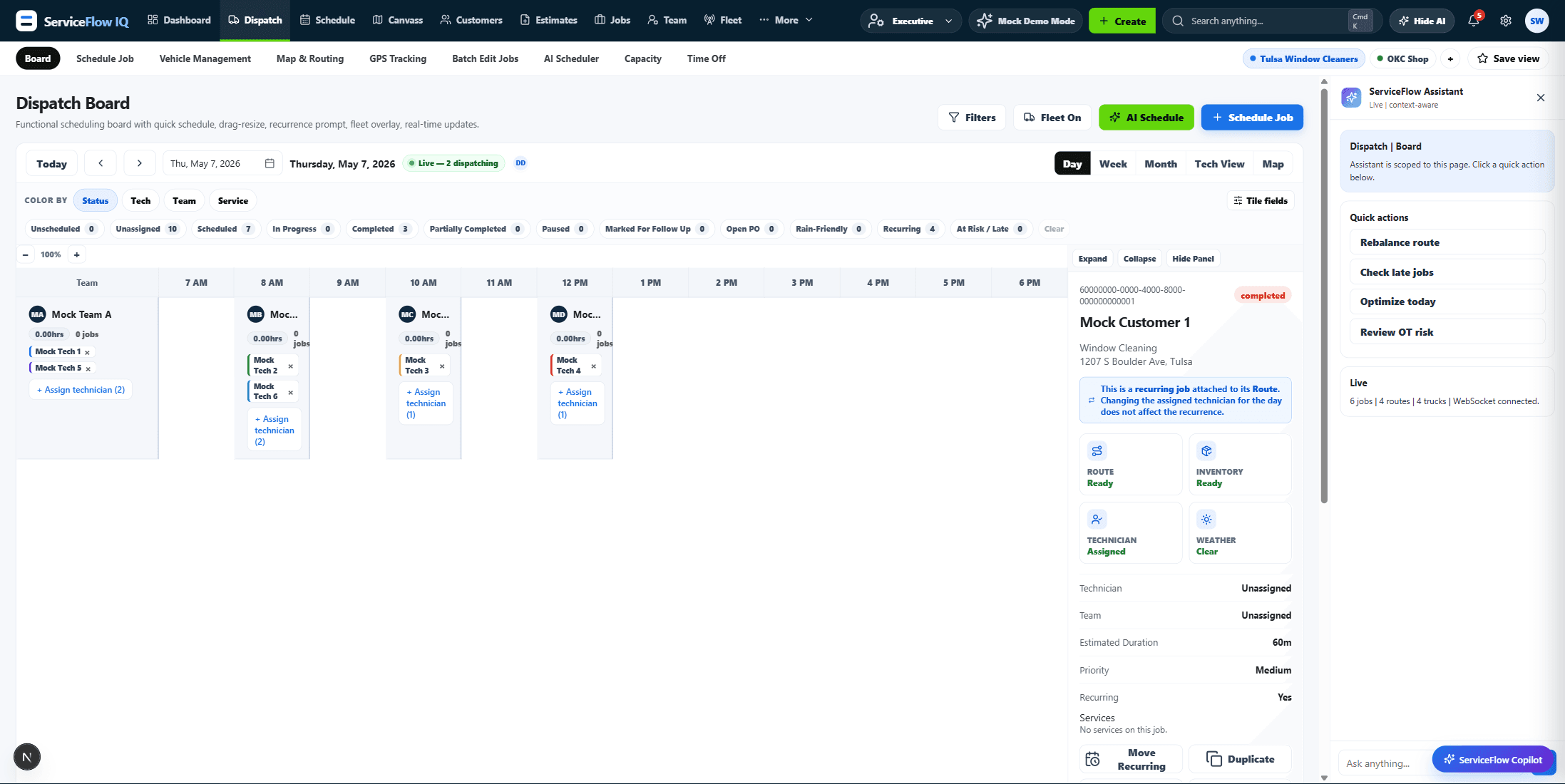
Day, week, month, technician columns, dispatch grid and map. Change something in one and it is changed in all of them, live over WebSocket.
Durations come from the pricebook and the assigned technician's pace, so a slot is the length the work actually takes rather than a default hour.
The scheduler scores technician-to-job fit on skills, location and history and proposes a plan. A dispatcher approves it.
Yes. The board is fed over WebSocket, so a change one dispatcher makes appears on every other open board without a refresh.
Technicians get the crew app at /field, which shows their day only. They never see the full dispatch board.
Twenty minutes, screen-shared, your trade's pricebook already loaded.